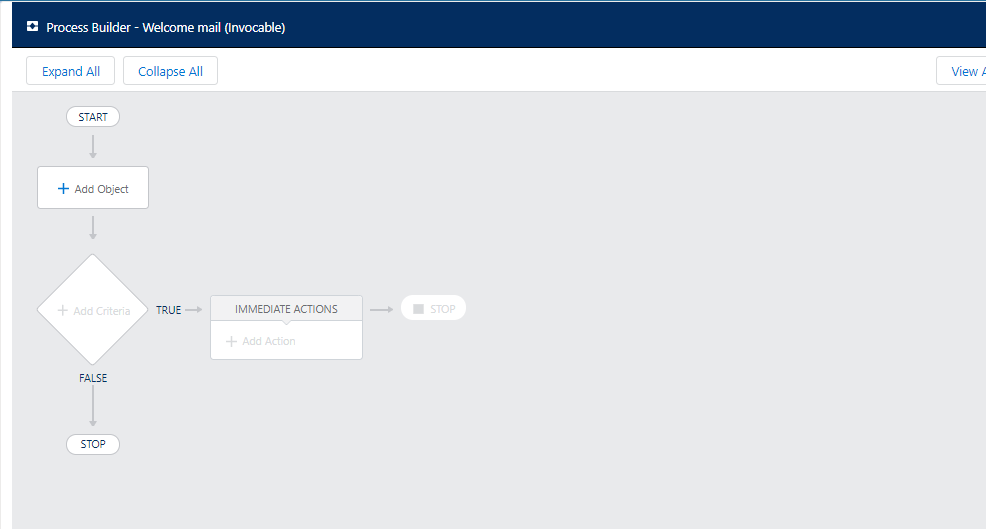
Process Builder is basically an Automated tool that allows you to control the order of actions or evaluate the criteria for a record.
Process Builder has Eight actions associated with it:
Creating records
Posting on Chatter
Quick action
Launching/triggering the flow
Submitting the record automatically for approval
Calling/triggering Apex code
Invoking another process
What is the need of Process Builder in Salesforce?
Process Builder is used for automating your business processes without writing even a single line of code. And its presentation view is very attractive which makes easy to use.
Child records can be updated in Process Builder.
Chatter groups and email alerts, both can be notified using Process Builder.
Multiple actions can be associated with each criterion.
Steps to Create a Process Builder in Salesforce
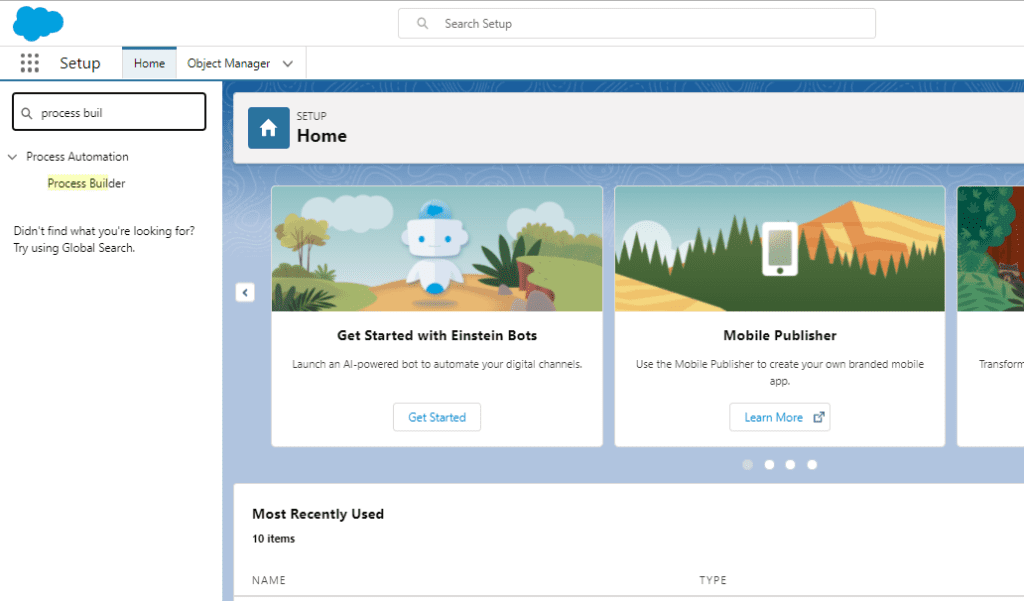
Step1: Log in to your Salesforce Org > Go to Setup > Search for Process Builder.
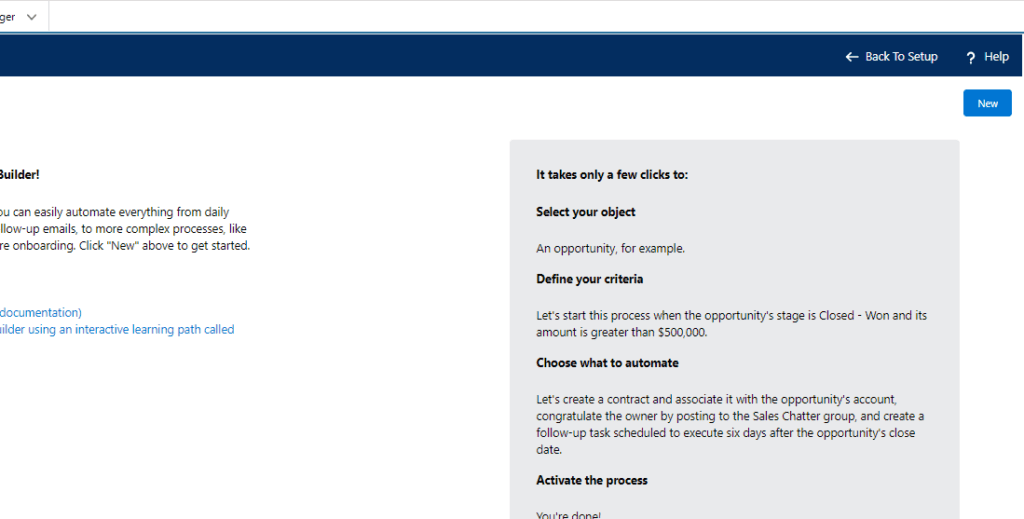
Step 2: Click on New to create a new Process Builder
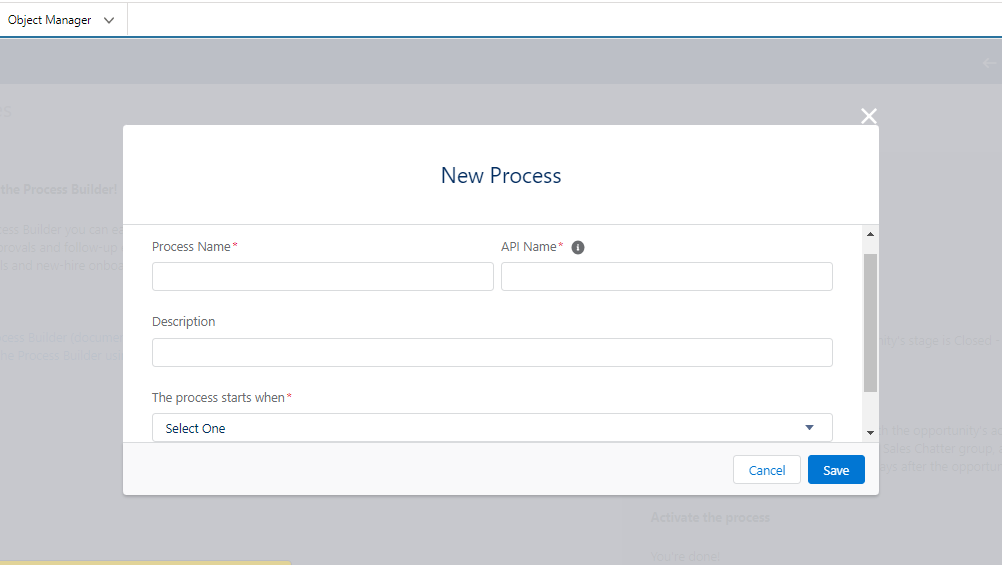
Step 3: Here we need to give our Process Name and Description, and decide on how to start process. For this, we will get three options as shown in the image below.
Step 4: Here we have to design a Flowchart based on what data is asked and if the criteria gets fulfilled the condition get Implemented.
For The process starts when, selectA record changes, and clickSave.
Click+ Add Object.
In the right window, selectAccountfrom the Object drop-down list.
ForStart the processselectwhen a record is created or edited.
ClickSave. As shown in the screenshot.
Here we have Seen how to create a Process builder. In further blog we will be taking a use case to understand more about Process Builder.