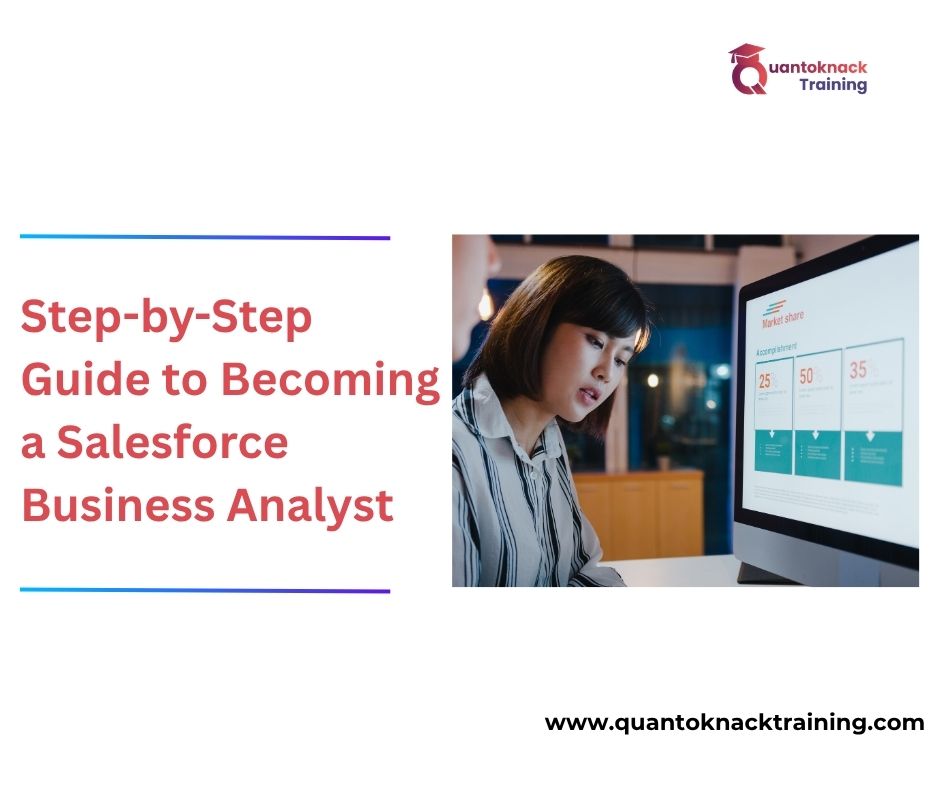

Step-by-Step Guide to Becoming a Salesforce Business Analyst
The Salesforce ecosystem is booming, and companies are looking for people to create connections between business needs and technology solutions. This is the reason Salesforce Business Analyst is one of the highest-demand career opportunities in today’s IT industry.
If you’re planning to transition into Salesforce but would like to be able to do more than program, then a Salesforce Business Analyst Course may be the right road for you. Let’s see how you can start your career in this rewarding domain!
What Does a Salesforce Business Analyst Do?
The role of a Salesforce Business Analyst is to serve as the facilitator between the technical and business sides of the organization. The main responsibility of the Salesforce Business Analyst is to help ensure that the Salesforce solutions that have been developed actually provide value to the end user or customer.
As an example of how a Business Analyst would help an organization improve its lead management process: If an organization needs to improve their lead management process, the Business Analyst would analyze their existing lead management processes and make recommendations to improve those processes. A Business Analyst would present a recommendation to use Salesforce to address business issues by providing the organization with the tools necessary to automate tasks, develop reports, build dashboards, and create workflows.
Step 1: Understand Business Analysis Fundamentals
This is where many learners make mistakes. A Business Analyst cannot be successful by solely relying on knowledge of Salesforce. Further, an understanding of the methods by which businesses operate is necessary in order to be a successful Business Analyst.
A successful Business Analyst should understand:
- How teams communicate with one another
- How workflows are arranged
- To identify areas of inefficiency
- To enhance the current processes
Thus, a structured training approach will be beneficial: A Professional Salesforce Business Analyst Course, will help you learn about requirement gathering, methods of documentation, stakeholder management, Agile methodology, and the application of these methodologies to real-world scenarios.
Step 2: Build Strong Communication Skills
Communication is one of the most important aspects of a Business Analyst’s role. You communicate with many different people or groups frequently, such as clients, developers, QA testers, business stakeholders and more.
Asking the right questions and articulating technical concepts in everyday language is critical. If a stakeholder tells you “the system is not functioning as expected, you will want to take that statement apart to determine the actual issue. Is the issue slow reporting? Is it due to poor automation? Is there a data duplicate? Is there a lack of visibility? Communication will help to clarify the actual issue.
Step 3: Learn Documentation and Process Mapping
Documentation takes up a large portion of a Business Analyst’s responsibilities.
Typical documentation created by a Business Analyst may include:
- BRD (Business Requirement Document)
- FRD (Functional Requirement Document)
- User Stories
- Process Flows
- Use Case Diagrams
Knowing how to create these documents will assist technical teams in understanding what needs to be created or completed. Currently, many training programs, such as Quantoknack Training, focus on practical areas where analysts are expected to take responsibility for project documentation immediately after training.
Step 4: Gain Hands-On Experience
Although learning theory provides value to this field, it is the application of the theories that will create our confidence levels. Even personal practice-type projects will greatly add strength to your resume.
Consider performing an analysis of an actual business process you can observe; for example, lead management processes, new hire onboarding processes or customer service-related tracking. Then, explore how Salesforce would positively affect the process.
Step 5: Learn Agile and Project Methodologies
The majority of today’s Salesforce implementations are performed using the Agile methodology. As a Business Analyst, you should have an understanding of the following Agile principles:
- Scrum meetings
- Sprint Facilitation
- Product user stories
- Product Backlog
- User Acceptance Testing (UAT)
You do not need to be a Certified Scrum Master; however, possessing an understanding of how an Agile team works will be a significant advantage during your interviewing process and as you engage in ‘real’ projects.
Step 6: Earn Salesforce Certifications
Certifications will give you validation of your skills as well as credibility in the industry. The Business Analyst Certification has been perceived by many professionals as being very applicable to today’s working environment due to its emphasis on understanding the process and collaboration with stakeholders, which does not have a high technical difficulty level.
Step 7: Build a Strong Portfolio
A resume alone is not typically sufficient to put you ahead of other candidates. Build a portfolio that demonstrates your skills, past work experience and your proficiency with associated tools.
When creating your resume, you will want to focus on your ability to solve problems, knowledge of Salesforce, communication skills, understanding of projects and more.
Your portfolio will show how you think and solve problems. Even if you are just getting started, by demonstrating an understanding of the practical work you have done, you will likely differentiate yourself from other candidates.
Step 9: Start Applying for Entry-Level Roles
After obtaining your foundational skillset, building your resume and maybe gaining experience through real-time projects while learning, it is time to begin applying for positions like:
- Junior Business Analyst
- Salesforce Functional Analyst
- CRM Analyst
- Associate Business Consultant
When recruiting, most employers look for people with practical thought rather than those who merely remember concepts.
Final Thoughts
To sum the above up, becoming a Salesforce Business Analyst is not about learning everything at once. You will learn business knowledge and Salesforce knowledge gradually.
If you enjoy working with people, producing solutions, and improving processes rather than simply producing code, then this is a great job for you. If you complete the suitable Salesforce Business Analyst Course, you can have a stable and long-term career in the Salesforce world.